

TV Has No Sound: Common Causes and Step-by-Step Fixes
Watching a stunning high-definition television picture with complete silence is an unsatisfying experience. Whether sound cut out abruptly in the middle of a movie, distorted into crackling static before failing, or stopped working entirely across all channels, audio loss is a widespread TV issue.
TV audio problems range from simple remote mute toggles and digital output routing mistakes to blown internal speaker cones and failing audio amplifier ICs on the motherboard.
Why Does My TV Have Picture but No Sound?
1. Audio Output Destination Misconfiguration
If you recently connected an external Bluetooth headphone, soundbar, or HDMI-eARC audio system, your TV may still be routing audio output to an inactive external device instead of the internal TV speakers.
2. Blown Internal Speaker Cones
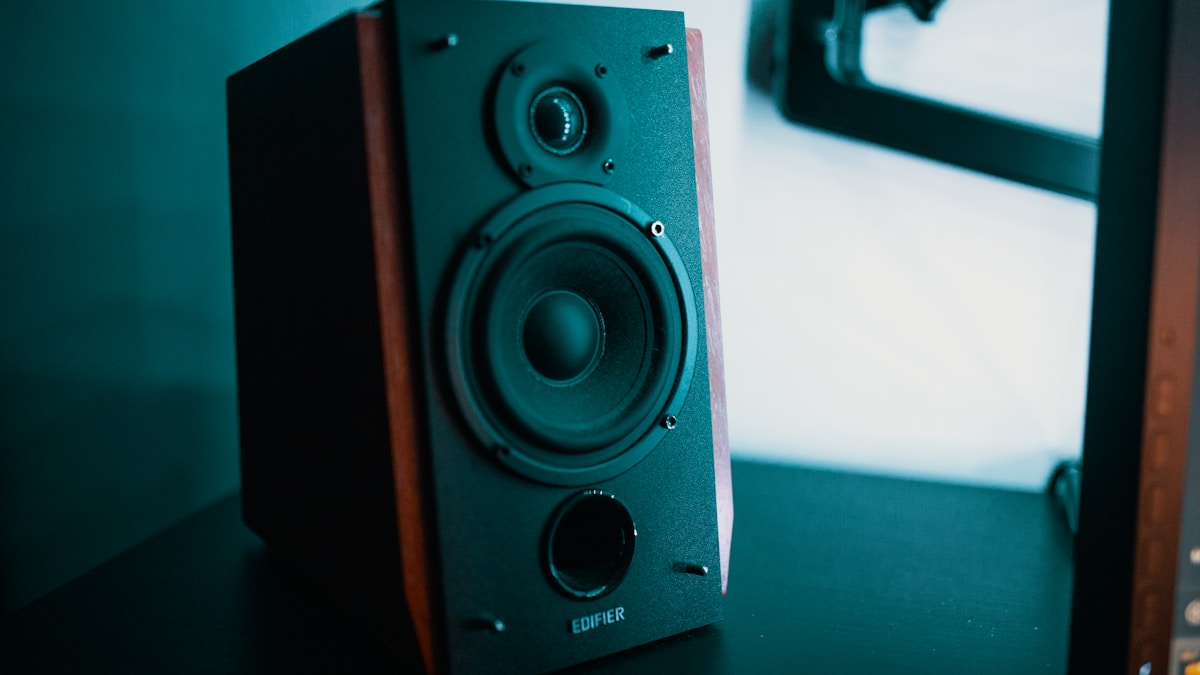
In standard LED TV repair, ultra-slim cabinets use compact 10W–15W speaker modules. Playing movies or music at maximum volume over extended periods can tear the delicate speaker voice coils or blow the paper cones, resulting in crackling audio followed by total silence.
3. Failing Class-D Audio Amplifier IC (serviced via component-level TV motherboard repair in Coimbatore)
The audio amplifier chip on the motherboard boosts low-level audio signals to drive the speakers. Overheating or voltage spikes on the 12V audio power rail can destroy this amplifier chip.
4. Audio Format Incompatibility
When playing movies through USB drives or third-party streaming apps, the TV may not support specific audio encoding codecs like DTS-HD or Dolby Atmos, producing video with no sound.
Safe At-Home Troubleshooting Steps
- Check Audio Output Settings: Go to Settings > Sound > Sound Output and ensure “TV Speaker” is selected instead of “Optical”, “Bluetooth”, or “ARC”.
- Perform an Audio Self-Test (if no sound occurs specifically over HDMI, see our guide on HDMI port not working on TV): Navigate to Settings > Support / Device Care > Self Diagnosis > Sound Test. If the test melody plays cleanly, your TV hardware is working and the issue is an external cable or app.
- Check for Mute and Headphone Connections: Ensure no 3.5mm headphone jack or AUX cable is plugged into the back of the TV, as this automatically mutes internal speakers.
- Perform a Hard Power Cycle: Power off the TV, unplug it for 10 minutes, and power it back on to clear temporary audio buffer freezes.
Professional TV Audio Repair in Coimbatore
If your TV’s internal speakers have blown or the audio amplifier IC requires micro-soldering, JK Electronics 360 provides fast, affordable speaker replacements and board-level audio servicing. Schedule an appointment with our TV service center in Coimbatore today.
Frequently Asked Questions
1. Why does my TV have sound on YouTube but no sound on Cable TV?
This indicates an issue with your set-top box audio settings or HDMI cable. Check that the set-top box audio output format is set to “PCM” or “Stereo”.
2. How much does it cost to replace TV internal speakers?
Replacing internal TV speakers is an inexpensive, fast repair that uses matched OEM speaker units to restore full volume and clarity.
3. Why do my TV speakers crackle at high volumes?
Crackling audio indicates physical damage to the speaker voice coil or a failing audio amplifier chip distorting output under load.
1 Comment
HDMI Port Not Working on TV? Common Causes & Fixes
September 3, 2026[…] Output Resolution (if picture shows but audio is missing, see TV has no sound common causes): Lower the output resolution on your set-top box or laptop to 1080p to test if the TV’s HDMI […]