

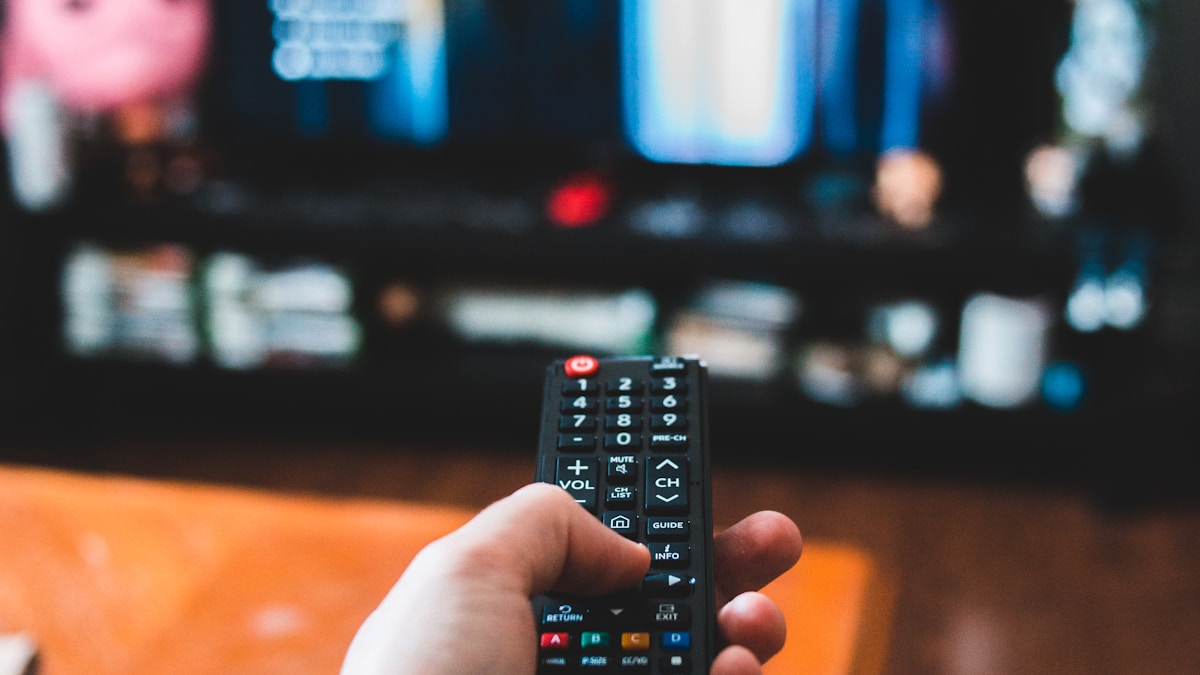
TV Remote Not Working: Troubleshooting and Fixes
Pressing buttons on your television remote only to receive zero response from the TV is an immediate roadblock to your viewing. Whether only certain buttons have stopped functioning, the remote has lost its wireless Bluetooth pairing, or the TV’s internal infrared sensor has failed, remote issues are simple to diagnose with the right steps.
Is It the Remote or the TV? The Smartphone Camera Test
To determine in seconds whether your infrared (IR) remote is emitting a signal:
- Open the Camera app on your smartphone.
- Point the front infrared emitter bulb of your TV remote directly into the camera lens.
- Press and hold any button (such as Power or Volume) on the remote.
- Look at your phone screen:
- Purple/Red Flashing Light: The remote is working properly, indicating the issue is the TV’s internal IR receiver sensor or a software freeze.
- No Light: The remote’s batteries are dead, contacts are oxidized, or the remote’s internal circuit is broken.
Fixes for Bluetooth Remotes (commonly paired during Smart TV repair in Coimbatore)
Modern Smart TVs (Samsung Smart Control, LG Magic Remote, Sony Voice Remote, Fire TV Remote) communicate via Bluetooth rather than infrared:
- Re-Pair the Remote:
- Samsung: Press and hold Return + Play/Pause simultaneously for 5 seconds.
- LG Magic Remote: Press and hold Home + Back for 5 seconds to reset, then click the wheel button to re-register.
- Android / Google TV: Press and hold Home + Back (or Left Arrow + Menu) near the TV.
- Clear Obstructions & Clean Battery Terminals: Remove batteries, inspect for white acid corrosion, clean terminals with isopropyl alcohol, and insert fresh alkaline batteries.
When the TV’s Internal IR Sensor Fails (diagnosed at our TV service center in Coimbatore)
If your remote passes the smartphone camera test but the TV remains completely unresponsive to any command, the TV’s internal infrared receiver board or its connection harness has malfunctioned. Technicians can quickly test and replace this small sensor board.
Need TV Remote or Sensor Replacement in Coimbatore?
Whether you need an original replacement remote, Bluetooth re-pairing, or internal TV sensor board repair, JK Electronics 360 provides complete accessories and service. Visit our TV service center in Coimbatore for reliable solutions.
Frequently Asked Questions
1. Why did my smart remote stop working after changing batteries?
Bluetooth smart remotes often lose their wireless pairing during battery swaps. Simply perform the button-combination re-pairing process for your TV brand.
2. Can I control my TV without a remote?
Yes. You can use physical control buttons on the TV chassis, connect a standard USB keyboard/mouse, or download official smartphone remote apps (like Google TV app, SmartThings, or LG ThinQ) over the same Wi-Fi network.
3. Why do only some buttons work on my TV remote?
Liquid spills or carbon pad wear on frequently used buttons (like Power or Volume) prevent electrical contact. Cleaning the internal rubber membrane or buying a replacement remote solves this.